> For the complete documentation index, see [llms.txt](https://help.cube.mo/llms.txt). Markdown versions of documentation pages are available by appending `.md` to page URLs; this page is available as [Markdown](https://help.cube.mo/kai-dian-zhi-nan/wang-zhan-she-zhi/dian-pu-she-zhi/dian-pu-zi-xun/dian-pu-logo217.md).
# 店舖LOGO(21:7)
建議比例21:7 可自行決定尺寸
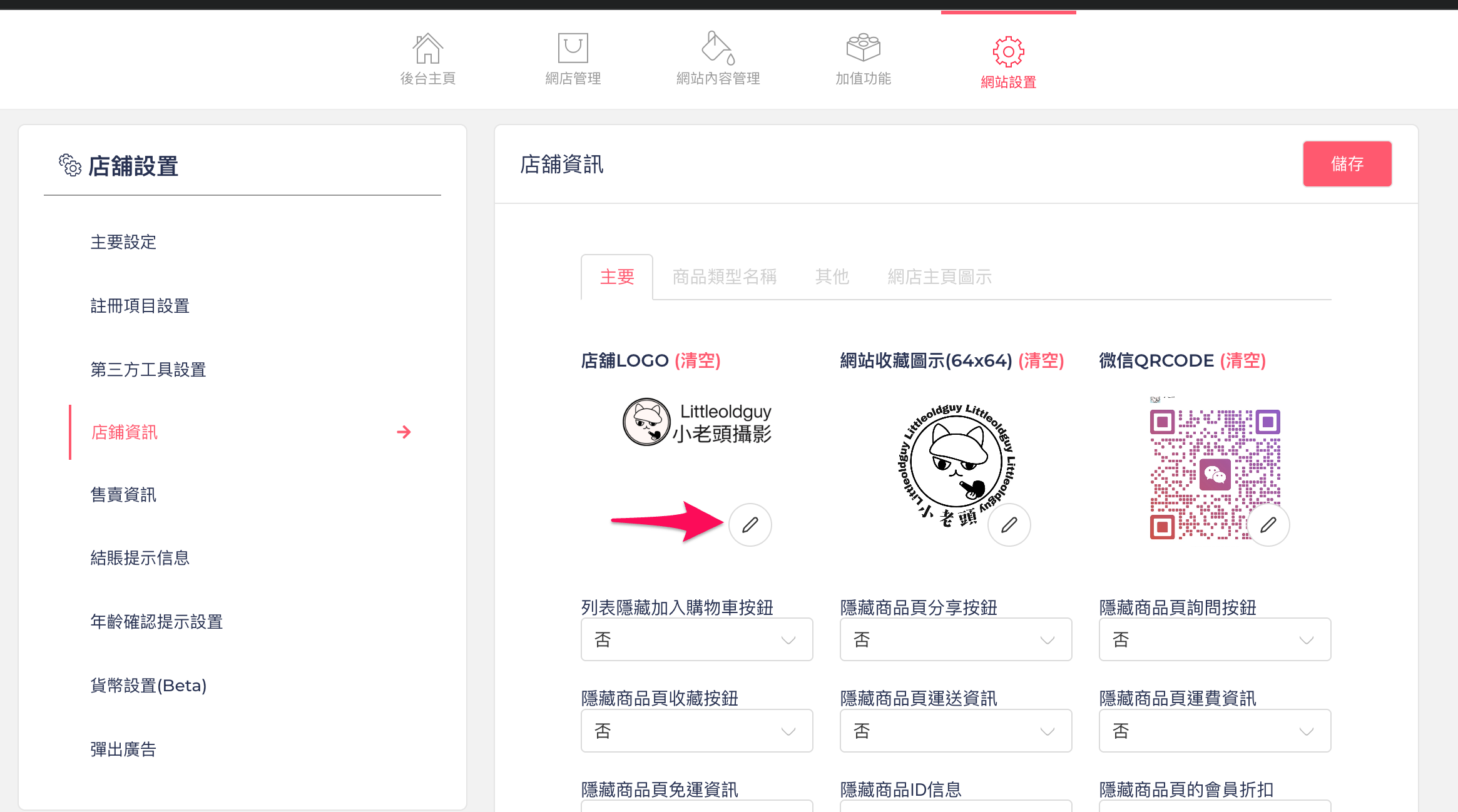
1. 點選「圖標」按鈕,選擇並插入你想用的店舖LOGO圖片。
1. 如下圖
2. 建議LOGO圖片比例為 21:7,可依需求自行調整,常用尺寸為( 2100 x 700 )像素。
1. 如下圖
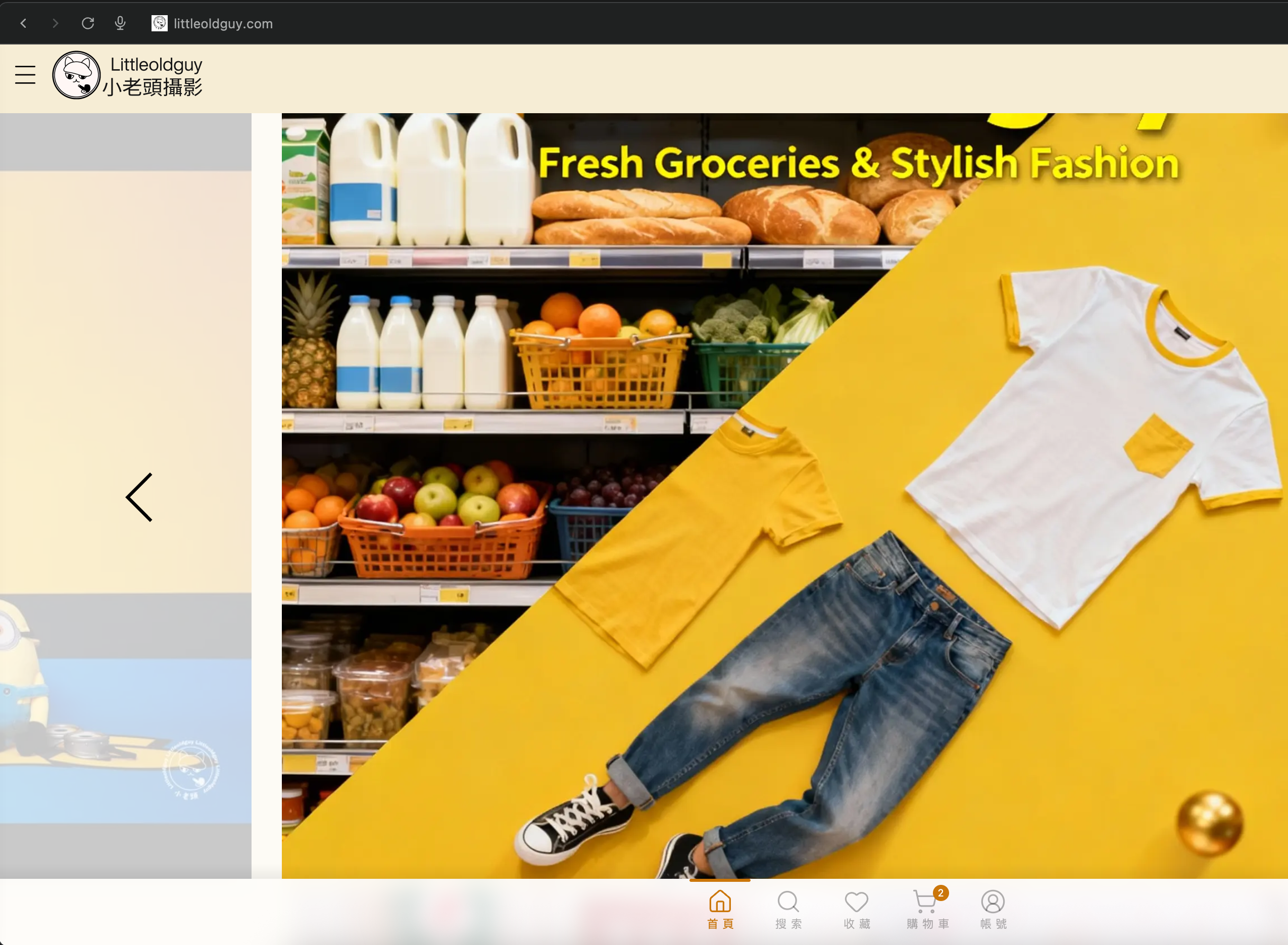
3. 上傳LOGO後,店鋪主頁左上角會顯示你設置的LOGO。
1. 如下圖
{% hint style="info" %}
注意:若無插入LOGO圖片,則主頁左上角標題則爲店鋪名稱。
{% endhint %}