> For the complete documentation index, see [llms.txt](https://help.cube.mo/llms.txt). Markdown versions of documentation pages are available by appending `.md` to page URLs; this page is available as [Markdown](https://help.cube.mo/kai-dian-zhi-nan/wang-zhan-she-zhi/dian-pu-she-zhi/dian-pu-zi-xun/guan-wu-wo-men.md).
# 關於我們
### **編輯「關於我們」**
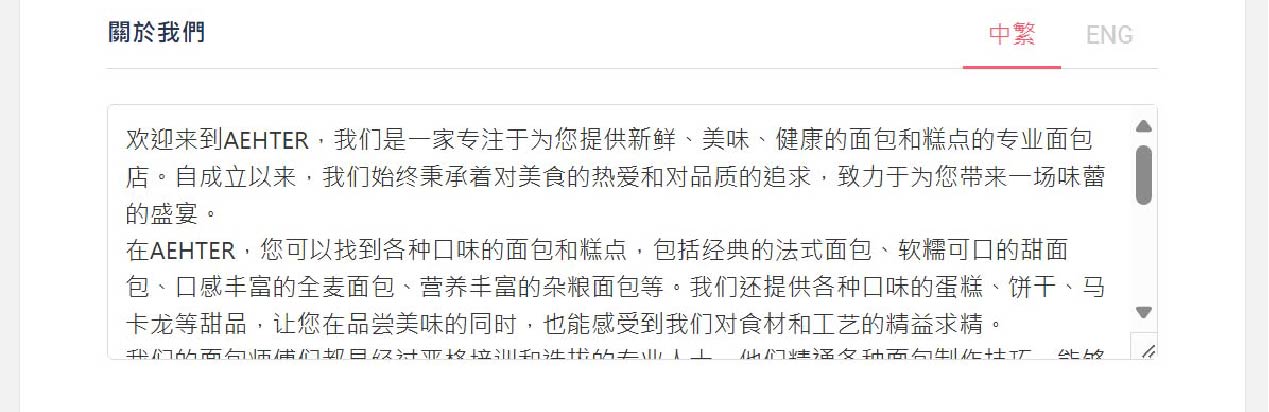
點擊菜單「網站設置」->「店鋪資訊」找到關於我們,輸入「關於我們」的文本内容。\
編輯完成后,點擊主頁店鋪「關於我們」會顯示所輸入的文本。
「關於我們」編輯界面
### **效果展示**
點擊店鋪主頁,點擊主頁左側欄目。
如何找到關於我們步驟一
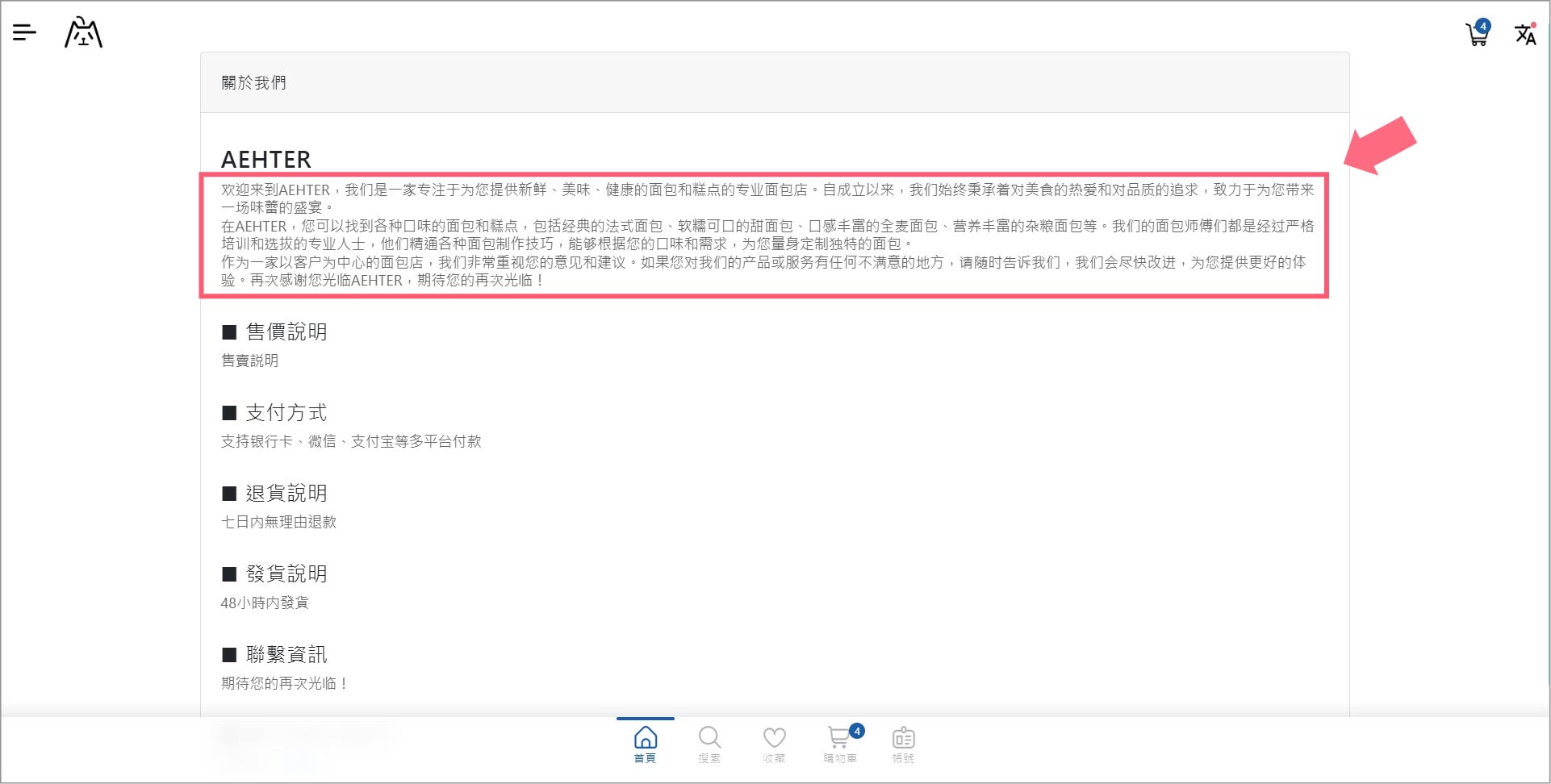
點擊「關於我們」,即可查看關於我們的内容。
「關於我們」店鋪效果
{% hint style="info" %}
如何新增「關於我們」,請點擊「[網站菜單設置](/kai-dian-zhi-nan/wang-zhan-nei-rong-guan-li/cai-dan-guan-li/wang-zhan-cai-dan-she-zhi.md)」裏新增項目。
{% endhint %}