> For the complete documentation index, see [llms.txt](https://help.cube.mo/llms.txt). Markdown versions of documentation pages are available by appending `.md` to page URLs; this page is available as [Markdown](https://help.cube.mo/kai-dian-zhi-nan/wang-zhan-she-zhi/dian-pu-she-zhi/dian-pu-zi-xun/jie-zhang-bei-zhu.md).
# 結賬備註
**結賬備註設置步驟**
1. **進入設置**
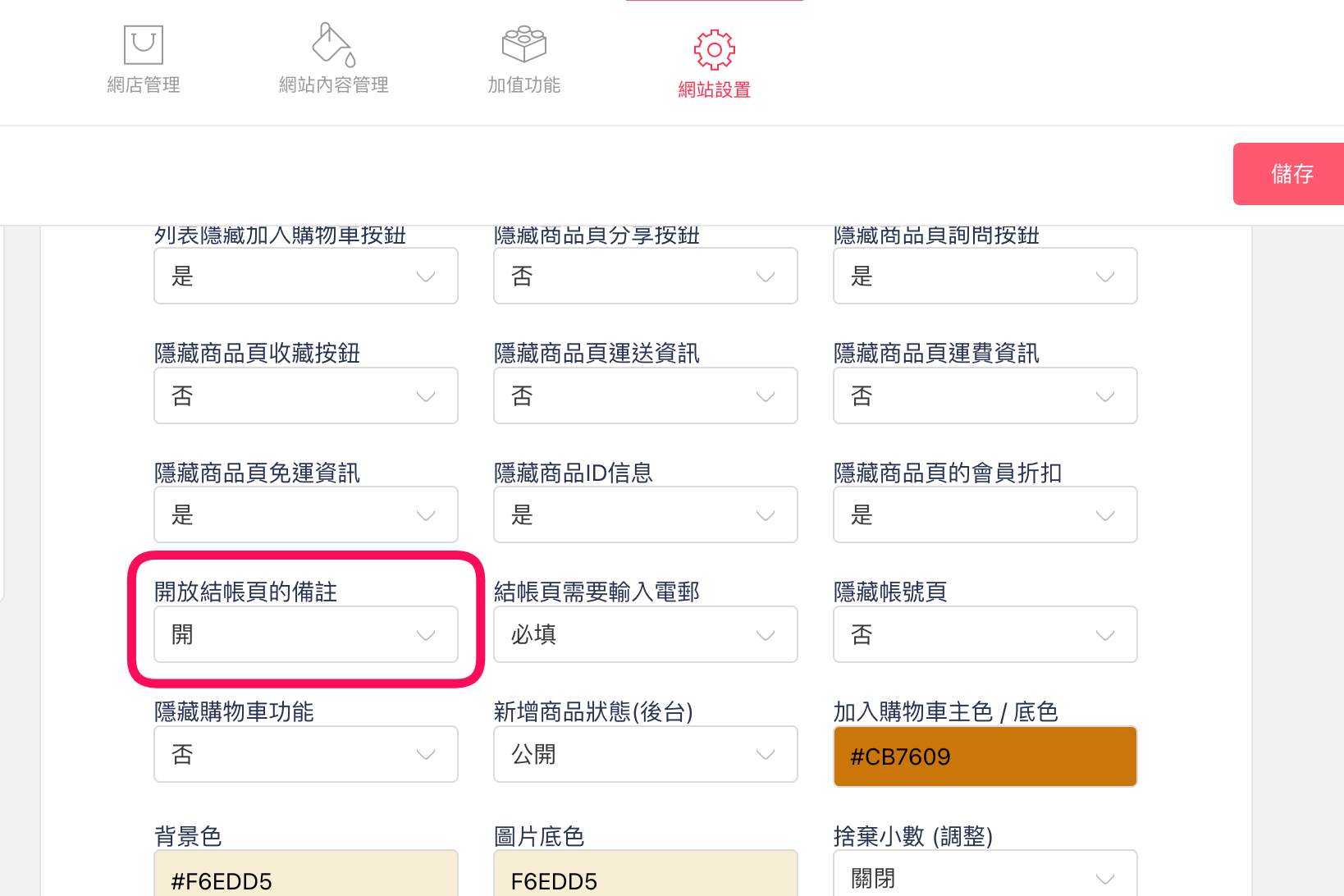
* 左側選單點選「網站設置」→「店鋪資訊」。
2. **啟用結賬備註**
* 找到「結賬備註」功能按鈕。
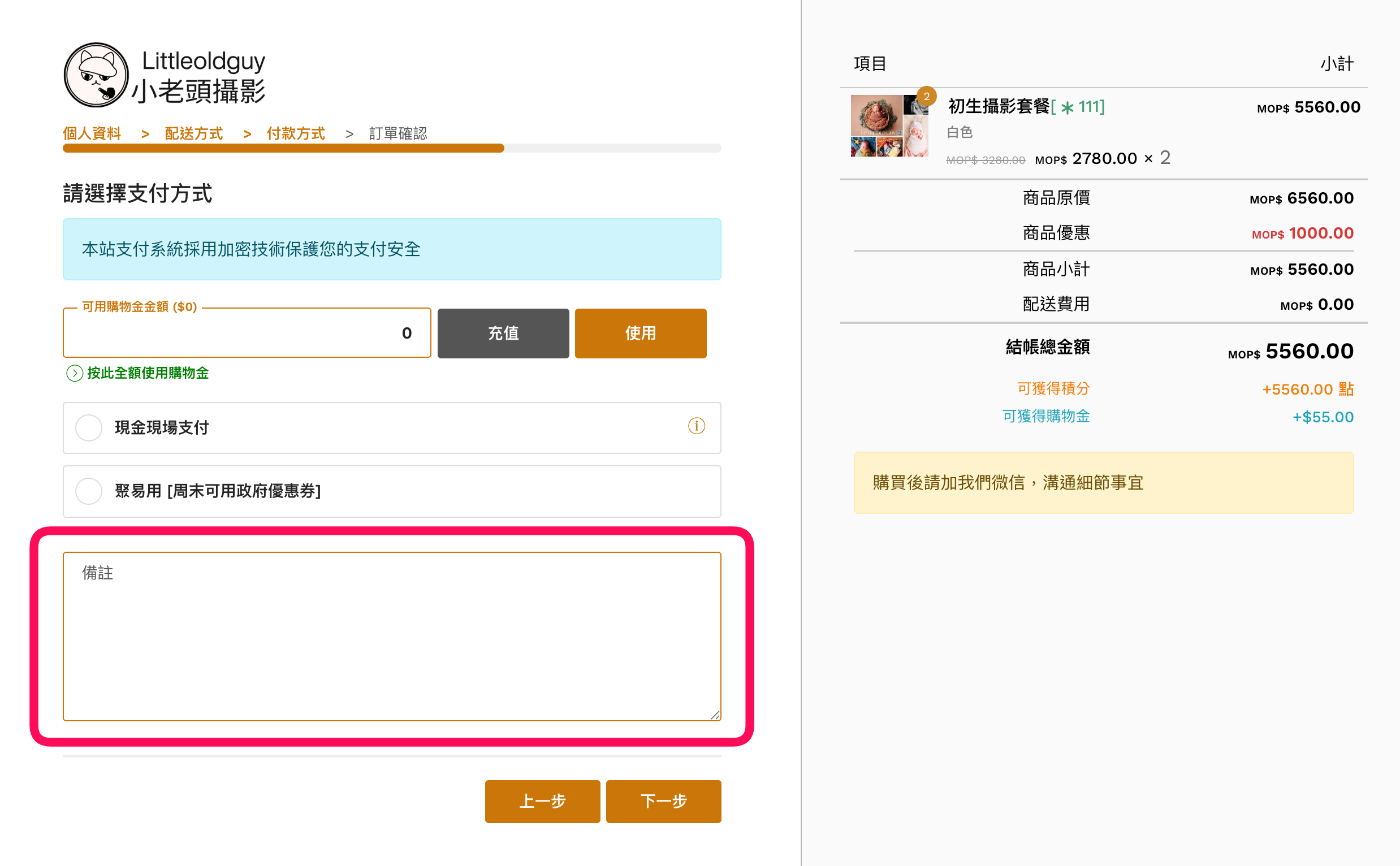
* 按下「開啟結賬備註」後,結帳頁就會顯示備註欄位,供買家填寫需求。
3. **保存設定**
* 設定後請按「保存」確保內容已更新。
***
**常見事項與建議**
* 若按鈕無法點擊,請先完成店舖基本資訊設置。